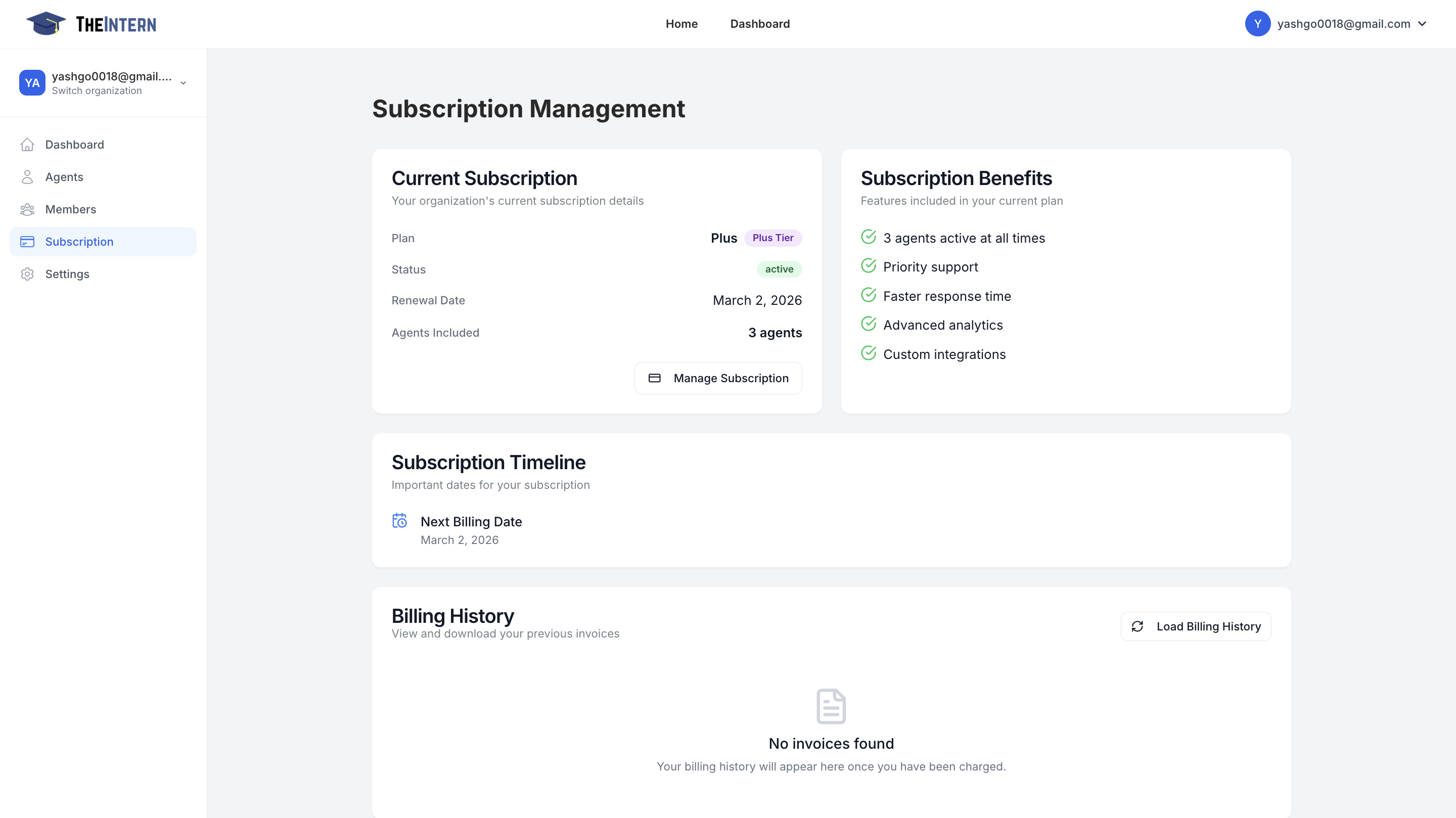
Manage My Organization
The Organization Management section provides tools to control your organization's settings and manage team members who have access to your dashboard.
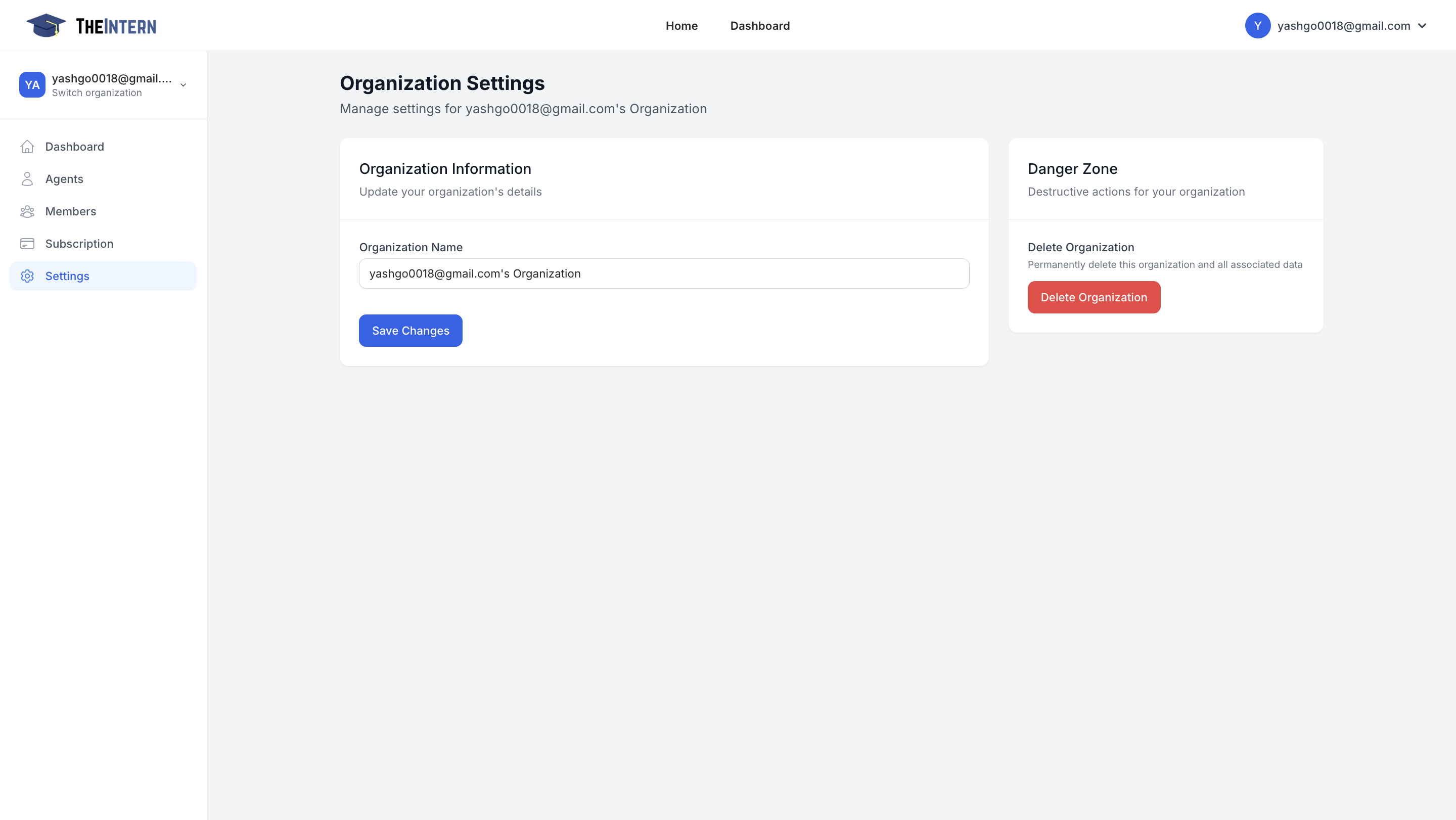
Here you manage organization-level details, such as your organization name. You also have access to a "Danger Zone" for deleting your entire organization and all associated data.
What You Can Do Here
- Rename Your Organization: Change the display name that appears throughout the dashboard.
- Delete Organization: Permanently remove the organization's data (irreversible).
How to Use It
- Update Organization Name: Helpful if your company rebrands or you want a more descriptive label.
- Use the Danger Zone Carefully: This action cannot be undone. Make sure you truly want to delete all agents, logs, and data before proceeding.
Manage My Subscription
Udpate your subscription.